

Download Facebook Desktop – Free, Secure Facebook Client for Windows & macOS
Overview
Facebook Desktop is a lightweight Adobe AIR‑based client that promises to bring your Facebook timeline straight to your computer’s desktop. The idea behind the app is simple: let users stay updated on friends’ posts, share status updates, and enjoy a dedicated window without constantly opening a web browser. While the concept sounds appealing—especially for power users who keep multiple tabs open—real‑world usage reveals a mixed bag.
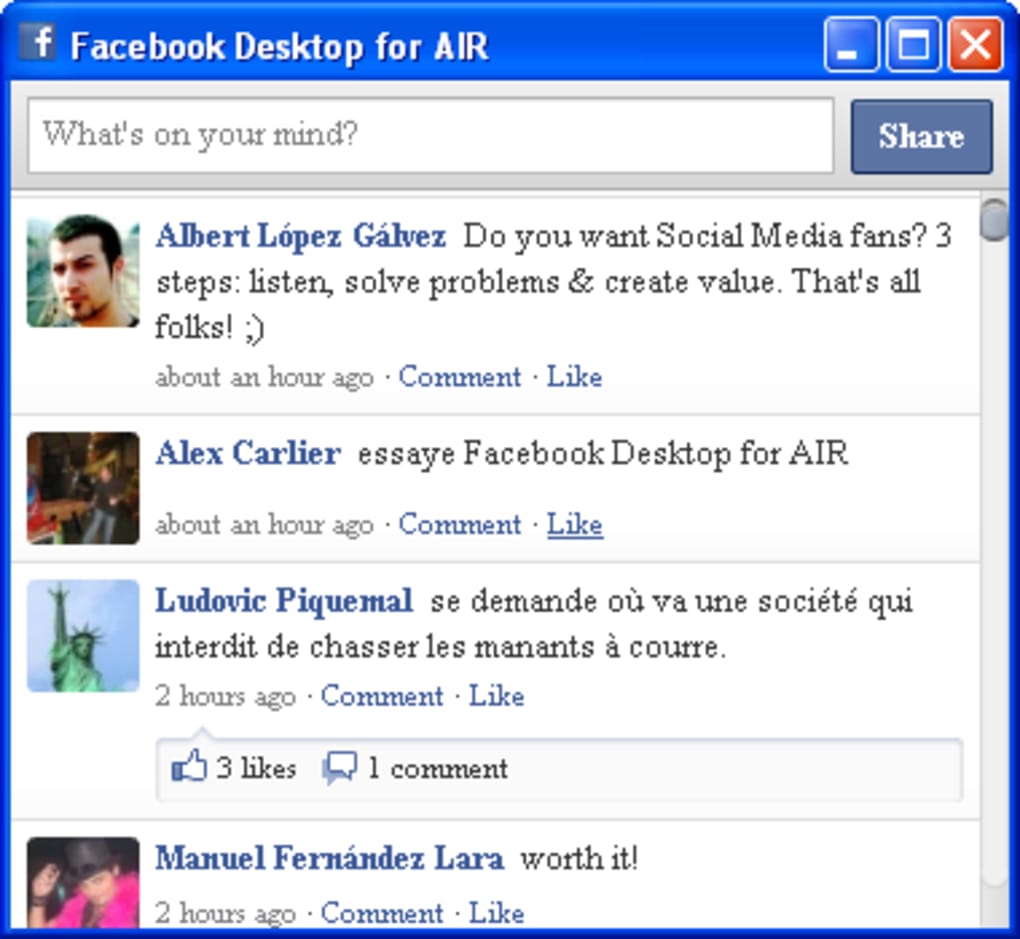
The program delivers a clean, minimalist interface that mirrors the familiar Facebook timeline, but it falls short when it comes to deeper Facebook functionalities such as messaging, notifications, profile browsing, or group interactions. Every external link you click inside the client launches your default web browser, pulling you out of the desktop experience. Moreover, the app cannot be minimized to the system tray, meaning it occupies a permanent spot on the taskbar while running.
In short, Facebook Desktop works as a niche timeline viewer, but if you need the full suite of Facebook features, the browser remains the more reliable choice. This review dives into the core features, compatibility, installation steps, and the pros and cons that will help you decide whether this free tool fits into your daily workflow.
Key Features, Compatibility & Installation Guide
- Real‑time timeline updates without reloading a web page.
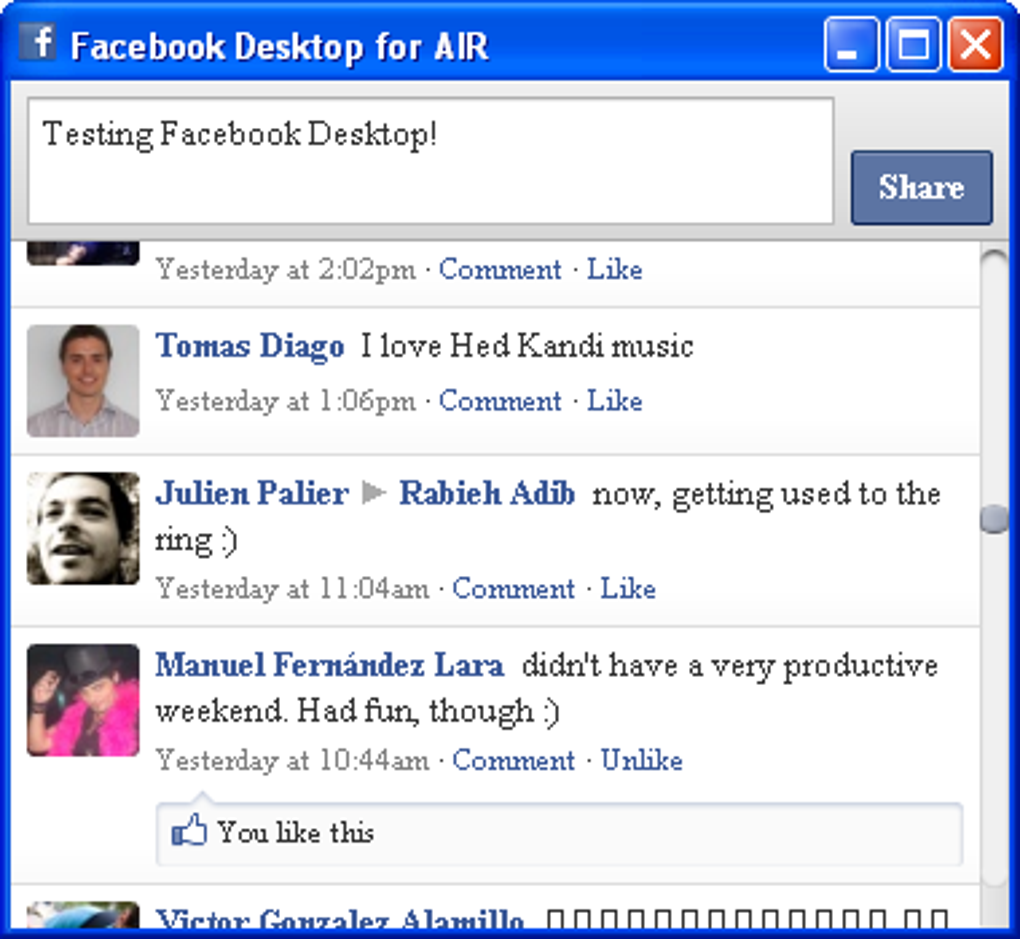
- Simple status composer to post updates directly from the desktop.
- Lightweight design powered by Adobe AIR, keeping CPU and memory usage low.
- Automatic refresh of the news feed every few minutes.
- Support for basic photo sharing via the status composer.
Although the feature set is intentionally limited, it covers the most common use case: glancing at the news feed while you work. The client does not provide inbox access, event management, or group browsing, which many users consider essential. All navigation beyond the timeline redirects to the default browser, preserving the security model of Facebook’s web platform but breaking the “all‑in‑one” promise of a desktop client.
Supported Operating Systems: Windows 7/8/10/11, macOS 10.12 and later, and Linux distributions that can run Adobe AIR runtime. The application is packaged as an AIR installer, so you’ll need the Adobe AIR runtime installed beforehand (available as a free download from Adobe’s website).
Step‑by‑Step Installation
- Download the latest Facebook Desktop installer from the official site.
- If you don’t already have Adobe AIR, download and install the runtime (Windows or macOS).
- Run the installer and follow the on‑screen prompts. The setup wizard will ask you to accept the license agreement and choose an installation folder.
- After installation, launch “Facebook Desktop” from the Start menu (Windows) or Applications folder (macOS).
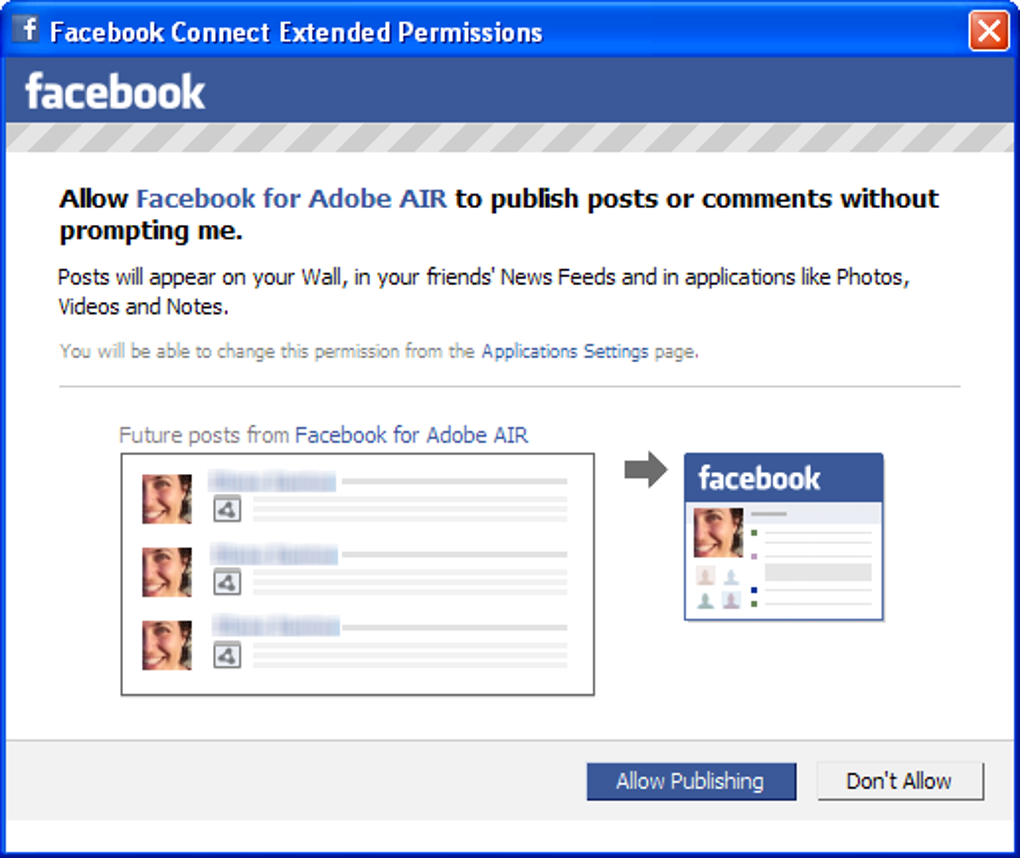
- Log in using your Facebook credentials. The app will cache your session securely; no passwords are stored in plain text.
- Once logged in, the main window displays your timeline. Use the status box at the top to post updates.
The installation process is straightforward, but remember that the AIR runtime must stay up‑to‑date for security patches. The client automatically checks for updates once a day and will prompt you to download a newer version when available.
Pros & Cons – What Works and What Doesn’t
Pros
- Free to download and use, with no hidden subscription fees.
- Minimalist UI that keeps the focus on the news feed.
- Low system resource consumption compared to opening a full browser window.
- Quick status posting without navigating away from your desktop.
- Automatic refresh keeps the timeline up‑to‑date.
Cons
- Limited to the timeline; no access to messages, notifications, or groups.
- All external links open in the default web browser, breaking the seamless experience.
- Cannot be minimized to the system tray, occupying valuable taskbar space.
- Relies on Adobe AIR, which some users consider outdated or a potential security risk.
- No native mobile companion; the desktop client is a standalone experience.
Overall, Facebook Desktop serves as a niche tool for users who only need a quick glance at their news feed. Its simplicity is both its greatest strength and its biggest weakness. If you’re looking for a full‑featured Facebook experience, stick with the web version or the official mobile apps. For a lightweight, free timeline viewer, it can still be useful—provided you’re aware of its limitations.
Conclusion, Frequently Asked Questions & Call to Action
Facebook Desktop delivers on its promise of a dedicated timeline window, but it falls short of being a comprehensive Facebook client. The lack of messaging, notifications, and the inability to minimize to the system tray are significant drawbacks for power users. Nevertheless, for those who value a clutter‑free, low‑resource way to keep tabs on friends’ posts while working, the app still has merit. The free price tag and simple installation make it worth a quick trial—just keep realistic expectations about what you can accomplish inside the client.
FAQ – Your Most Common Questions Answered
Can I use Facebook Desktop on Windows 10?
Yes. The client runs on Windows 7 and newer, including Windows 10 and Windows 11, as long as the Adobe AIR runtime is installed.
Is the app safe and does it store my password?
Facebook Desktop uses the standard OAuth flow provided by Facebook, so your password is never stored locally. The session token is encrypted and managed by the AIR runtime.
Why do links open in my web browser instead of inside the app?
The client is designed only to display the timeline. All other Facebook pages are opened in the default browser to preserve security and ensure you receive the full feature set of the website.
Can I minimize Facebook Desktop to the system tray?
No. The current version does not support tray minimization, which means the window remains on the taskbar while running.
Is there a way to receive Facebook notifications on my desktop?
Not within Facebook Desktop. For real‑time notifications you’ll need to enable the official Facebook desktop notifications in your web browser or use the mobile app.
Ready to give Facebook Desktop a try? Download the installer now and see whether this streamlined timeline viewer fits into your daily routine. Remember to keep the Adobe AIR runtime updated for the best security and performance.







